AEO and Answer Engine Optimization
 SEO Services and Search Engine Optimisation
 GEO and AI Search Visibility
 Social Media Content and Community Management
 Influencer and Creator Partnerships
 Digital PR and Link Building
 Local SEO and Google Business Profile Management
 Content Marketing
 App Store Optimisation
 E-commerce SEO Services
 Multi-location Map Management and Reporting
 Google Maps and Business Profile Management
 Review Management and Removal Request Tracking
 E-commerce Website Design
 Google Workspace Setup and Management
 Business Email Migration
 Email Deliverability
 Corporate Website Design
 AI-Assisted Website Development
 Website Management and Maintenance
 Shopify E-Commerce Design and Management
 Landing Page Design
 AI-Assisted Creative and Content Production
 AI Chatbot Setup
 Conversion Rate Optimisation and UX
 Ongoing Design and UX Support
 Brand Strategy and Corporate Identity
 Web Accessibility Audit
 Business Web Application Development
 AI and CRM Consulting
 Salesforce Setup and Consulting
 HubSpot CRM and Marketing Automation
 Zoho CRM Setup and Management
 GA4 and Google Tag Manager Setup
 Digital Marketing Data and Reporting
 Email, SMS, and Customer Retention
 AI Strategy and Roadmap
 AI Agents and Workflow Automation
 Marketplace Store Management
 Digital Marketing Strategy and Annual Roadmap
 Digital Marketing Consulting
 Fractional Marketing Leadership
 Digital Marketing Training and Workshops
 Performance Marketing Management
Reducing SEO risk during a redesign requires planning old pages, new URLs, and content changes together. A new design does not require every URL to change. Removing working URLs unnecessarily, deleting useful content, or redirecting every old page to the homepage can make information harder for customers to find. Prepare the migration plan before design approval.
Inventory the old website
Identify pages generating search clicks, links, or inquiries. Go beyond URLs visible in navigation and review old campaign, product, and guide pages too. Mark each URL for retention, consolidation, or removal. Historical traffic alone is not a reason to keep a page, but a removal decision should explain how the new site will meet its user need.
- Important URLs and content inventory
- Migration decision for each URL
Base redirects on content relevance
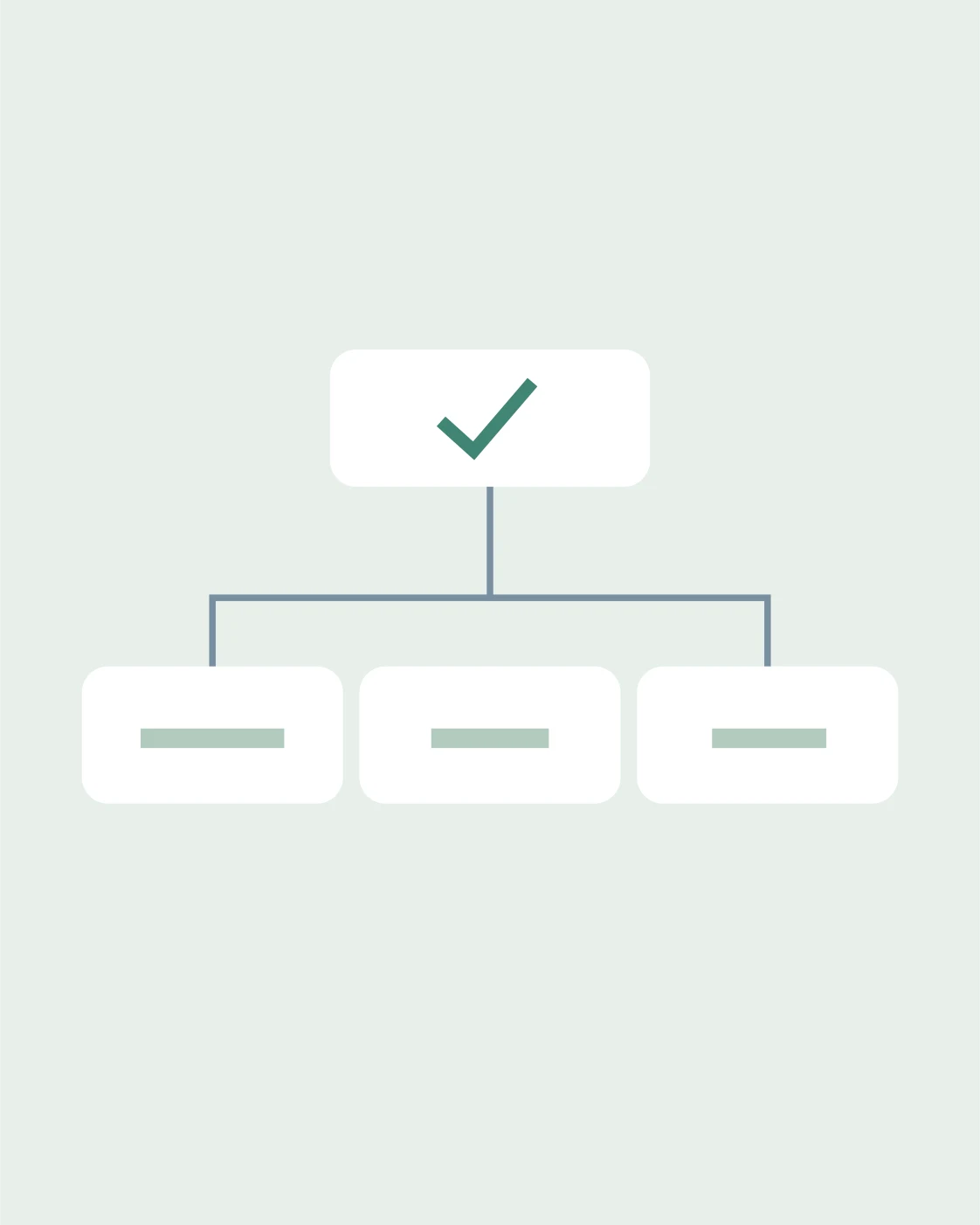
Connect each changed old URL to the most relevant new page. Redirect chains and irrelevant destinations frustrate visitors. Internal links on the new site should also use new URLs directly. Keep canonical tags and the sitemap consistent with the same preferred addresses. Even with a redirect file prepared, check that it actually works after launch; a mapping on paper is not evidence of implementation.
- Direct and relevant destination
- Consistent internal links and sitemap
Assess content changes separately
When shortening copy for a new design, preserve details customers need to decide. Technical specifications, service boundaries, and FAQs can be positioned better; do not assume they are unnecessary. Record why titles and descriptions changed. Major structural and content changes made simultaneously can make subsequent shifts harder to interpret. Where practical, split changes into traceable phases.
- Preserve decision-making information
- Record the reason for changes
Before putting the plan into practice
When publishing an old service page under a different name in the new design, update more than its menu link. Verify that the old URL redirects to the relevant new one and that internal links and preferred URL information are also updated.
How long should post-launch checks continue?
Do not stop after one screen review. Monitor crawling errors, indexing status, requests for old URLs, and organic landing visits over successive periods. Try to separate seasonal or campaign effects from the migration. If performance falls, check technical access and redirects first; rushing to reverse the whole design is not always the right solution. With ReklamKlik, clarify migration scope, responsible people, and rollback steps for problems from the outset.
- Crawling and indexing checks
- Monitoring owner and rollback plan
Sources
Let’s define the next step together.
Share your goal and current situation; let’s discuss a scope suited to your needs.
Request a quote →