AEO and Answer Engine Optimization
 SEO Services and Search Engine Optimisation
 GEO and AI Search Visibility
 Social Media Content and Community Management
 Influencer and Creator Partnerships
 Digital PR and Link Building
 Local SEO and Google Business Profile Management
 Content Marketing
 App Store Optimisation
 E-commerce SEO Services
 Multi-location Map Management and Reporting
 Google Maps and Business Profile Management
 Review Management and Removal Request Tracking
 E-commerce Website Design
 Google Workspace Setup and Management
 Business Email Migration
 Email Deliverability
 Corporate Website Design
 AI-Assisted Website Development
 Website Management and Maintenance
 Shopify E-Commerce Design and Management
 Landing Page Design
 AI-Assisted Creative and Content Production
 AI Chatbot Setup
 Conversion Rate Optimisation and UX
 Ongoing Design and UX Support
 Brand Strategy and Corporate Identity
 Web Accessibility Audit
 Business Web Application Development
 AI and CRM Consulting
 Salesforce Setup and Consulting
 HubSpot CRM and Marketing Automation
 Zoho CRM Setup and Management
 GA4 and Google Tag Manager Setup
 Digital Marketing Data and Reporting
 Email, SMS, and Customer Retention
 AI Strategy and Roadmap
 AI Agents and Workflow Automation
 Marketplace Store Management
 Digital Marketing Strategy and Annual Roadmap
 Digital Marketing Consulting
 Fractional Marketing Leadership
 Digital Marketing Training and Workshops
 Performance Marketing Management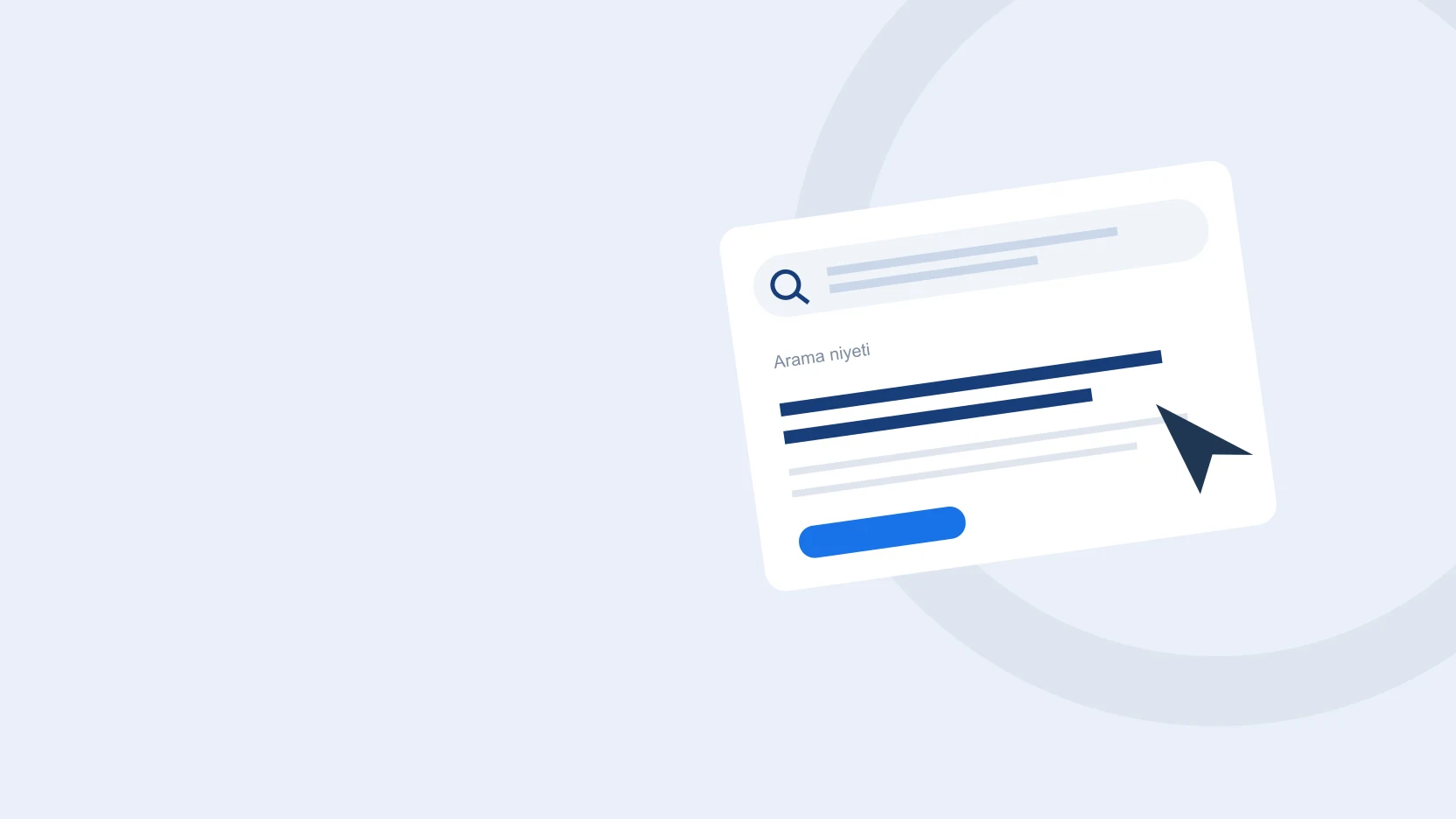
When someone clicks your ad, they should quickly understand the service they are looking for, why they should speak with you, and what to do next. If the landing page does not answer these three questions, a gap opens up between your advertising budget and your sales process.
At ReklamKlik, we consider the page alongside its design, advertising message, and CRM follow-up. We first define a suitable inquiry, then plan how the page will help generate it.
Make the ad and the first screen address the same need
Create a clear connection between the keyword, ad headline, and main page heading. When someone searches for corporate website design, welcome them on a page explaining that service rather than a homepage where every service competes for attention.
Use the first screen to explain the service, who it suits, and what you will clarify in a consultation. Describe the deliverables instead of using general claims that could apply to any sector. When changing a headline, review the ad's final URL, mobile layout, and the service selected in the form as part of the same check.
- Connect search intent to the main page heading.
- Summarize the proposal scope in clear language.
- Keep the visitor's next step visible.
Use Quality Score as a diagnostic tool
Google Ads Quality Score is a comparative diagnostic indicator of expected click-through rate, ad relevance, and landing page experience. The score itself is not an input used in the auction. A high score alone does not mean lower costs or successful sales.
Use these indicators to identify problem areas when reviewing an account. Then consider search terms, conversion quality, and sales team feedback together. If different searches leading to the same page reflect different expectations, rethink how the message and page match rather than simply adding more keywords to the copy.
- Read diagnostic indicators separately from business outcomes.
- Track costs, qualified inquiries, and sales data together.
- Record the date and reason for each change.
Complete the form on mobile as a real user would
Are the heading, service description, and request-a-quote button readable on a phone? Does the dropdown menu overlap the form? Do required fields explain why the information is needed? Does an invalid email address or incomplete phone number produce clear feedback?
Do not answer these questions from the design file alone. Open the page in a real browser, move between fields with the keyboard, and check that a submission creates a CRM record. Appropriate image file sizes and space reserved for images also make the page easier to use.
- Test the entire form on a phone.
- Preserve the user's information when submission fails.
- Show a success message only when the record has been saved.
Design the process after the inquiry too
A form submission is not a sale in itself. The relevant service, assigned owner, contact status, and next follow-up date should be visible in the CRM. Manually recording telephone inquiries in the same process gives digital and phone inquiries a shared workflow.
Clarify the budget, objective, and existing systems in the first conversation. Store proposal revisions separately; do not include internal customer notes in proposal emails. In review meetings, discuss which pages generated conversations with the right scope as well as which received the most forms.
- Assign an owner and follow-up date to each inquiry.
- Keep customer notes separate from the proposal sent.
- Assess page improvements through the quality of sales conversations.
Do not squeeze Istanbul and Antalya campaigns onto one page
Align your service area, the customers your sales team can reach, and your proposal scope. Work aimed at a corporate purchasing process in Istanbul may begin with different questions from a pre-season preparation project in Antalya. Verify these differences through search terms, conversations, and your capacity instead of assuming fixed regional behavior. A regional page should do more than swap the city name in advertising copy. It should explain how you work, and the inquiry's originating page should remain traceable in the CRM. First define which inquiries suit your sales team, then develop the page and campaign around that definition.
- State your actual service area.
- Evaluate regional demand using conversation outcomes.
- Retain the inquiry's originating page in the CRM.
Sources
Let’s define the next step together.
Share your goal and current situation; let’s discuss a scope suited to your needs.
Request a quote →